

Game Hosting
How to Reset the Minimap on Project Zomboid
Minimap data lives on each player's PC — here's how to clear it after a server wipe.
Aug 4, 20262 min readzomboidminimapawipe
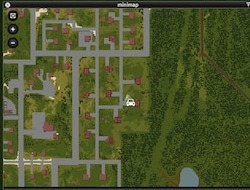
You may have wiped your server and realized the minimap stayed the same. This is because the minimap data is stored client side, on each player's computer.
This means each player will have to follow this guide to remove the minimap data and reset it.
Steps
- Press
Win + Ron your keyboard. - In the Run box, paste
%USERPROFILE%\Zomboid\Saves\Multiplayer. - You'll see folders with the IP and port of all the servers you have connected to.
- Remove the folder that is named after your server's IP address and port.
- Start Project Zomboid and the minimap data will return to normal.
Need more help? Open a ticket.
Was this article helpful?
Be the first to rate it